Skip to content
Security systems, thoughtfully connected.New York City & Long Island

THE SAFEZONE DEVELOPMENT PORTFOLIO

The systems behind
our camera installations.

Record video on site. Plan camera positions before running cable. Check device status and view cameras from a phone. These are the everyday jobs behind the SafeZone tools we’re developing.

Projects in development, with demo screens and illustrative images. Features and compatibility are confirmed for each installation.

6 projects shown

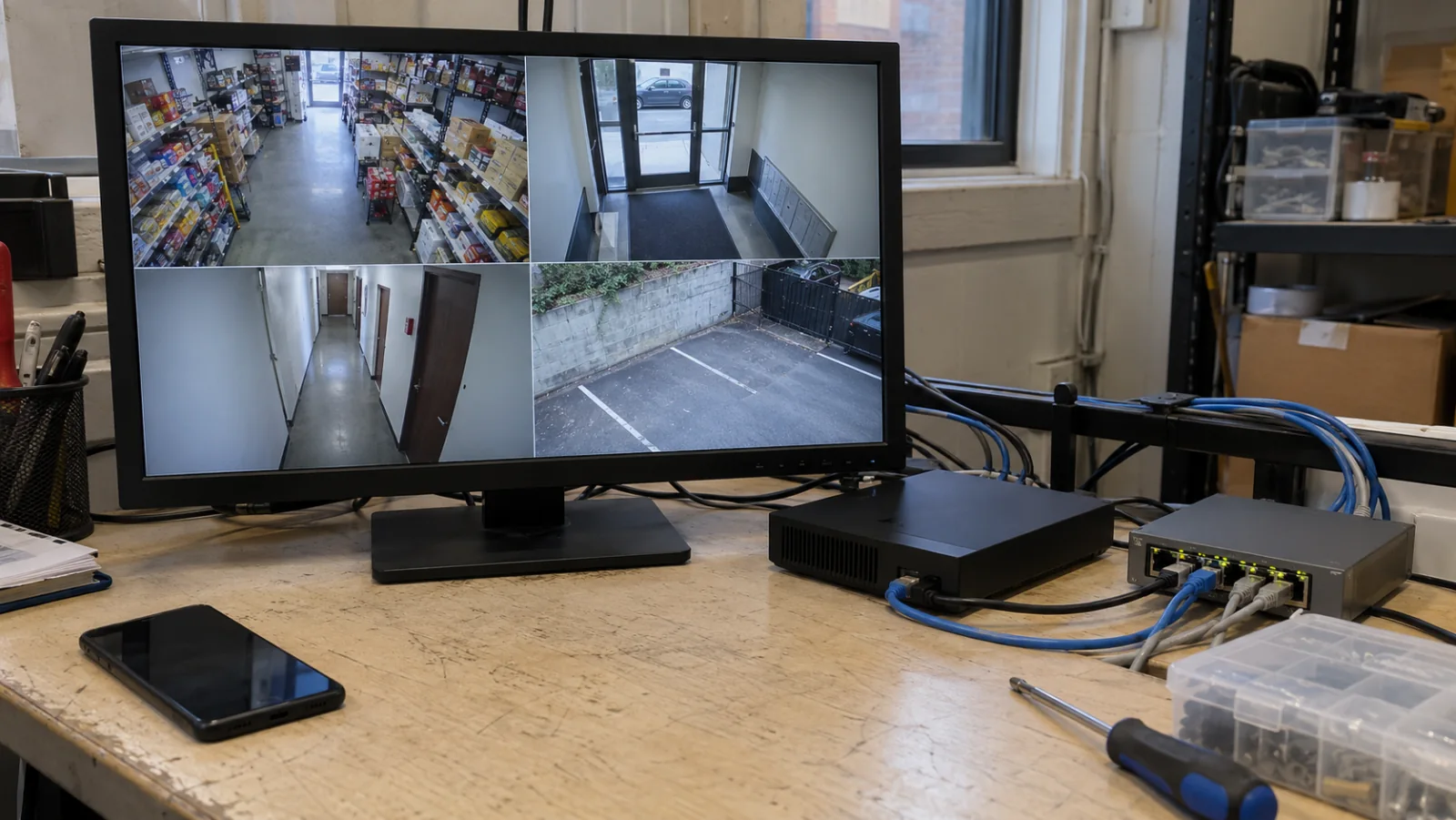
Illustrative recorder and network switch on a workbench with camera views on a monitor
Camera-system workbench · illustration
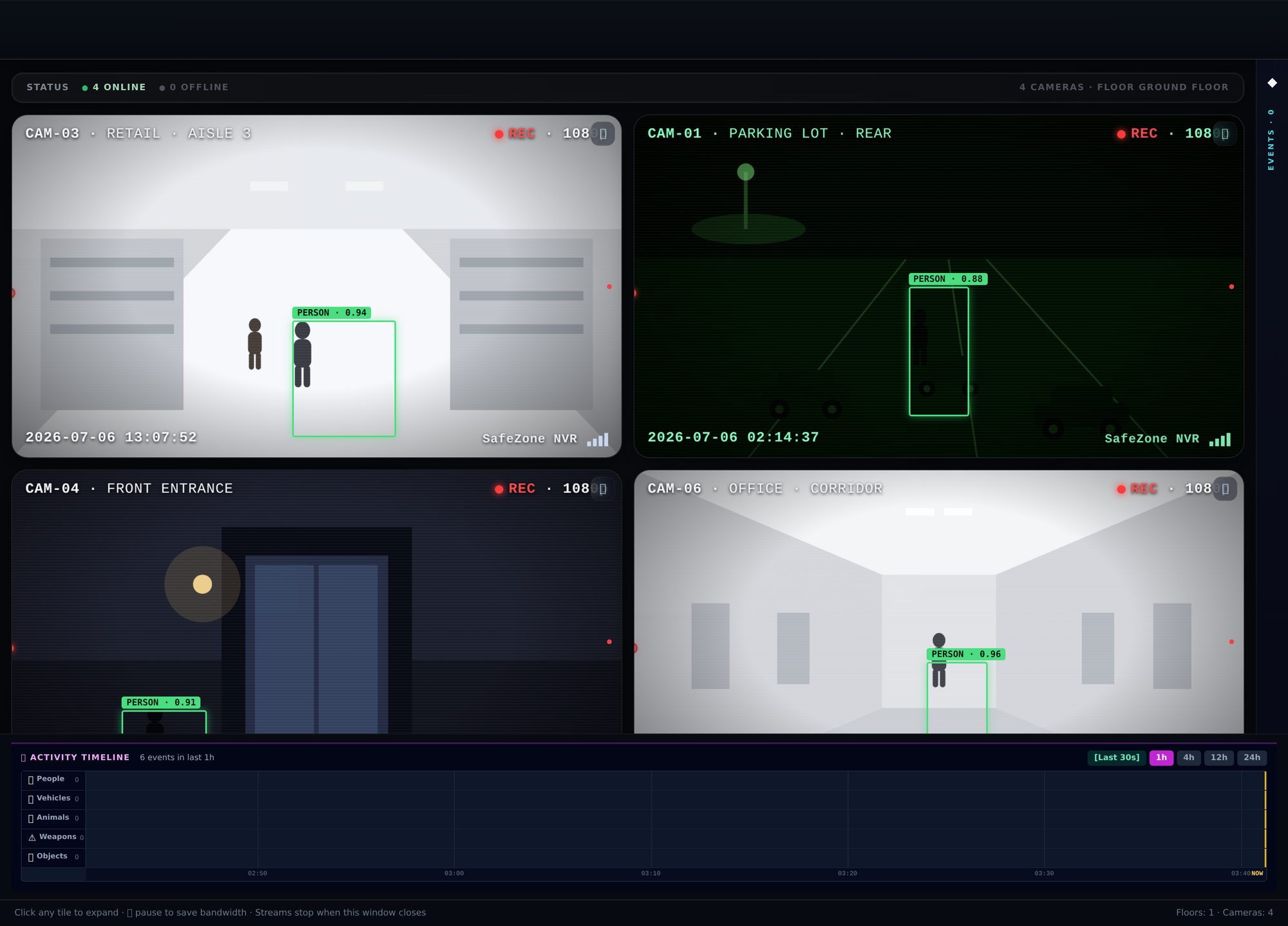
SafeZone NVR demo interface with simulated camera views
Recording interface · demo
ON-SITE RECORDINGActive development

SafeZone NVR

Record and review your cameras.

A local recording workspace for checking live camera views, finding recorded video, and reviewing camera events.

  • Camera recording and playback
  • Multi-camera live view
  • Person and vehicle event features under development
Who it’s for & how it fits

For property owners who need to watch live views and find recorded footage.

Recording is designed to stay on site. Supported equipment and included features are confirmed for each installation.
Ask about SafeZone NVR

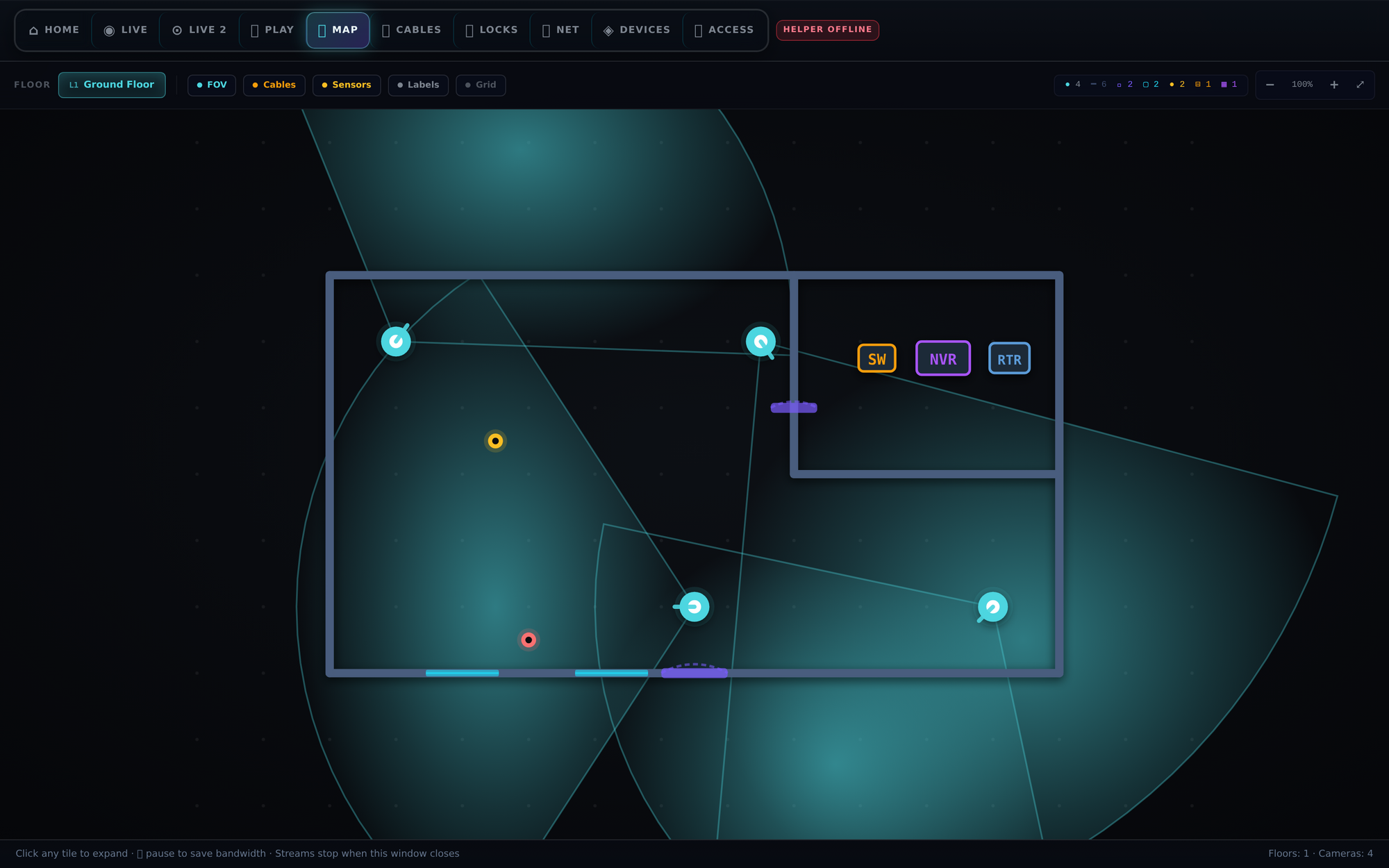
Example site diagram showing camera positions and coverage areas
Example site-planning diagram
RECORDING ENGINEERINGEngineering development

SafeZone NVR Pro

Build for more demanding recording needs.

Recording-engine work for projects with more complex camera layouts, viewing requirements, and video-processing needs.

  • Recording-engine development
  • Multi-camera views and video walls
  • Performance and hardware validation
Who it’s for & how it fits

For teams assessing more demanding recording and camera-viewing requirements.

Camera count, recording load, processing, and hardware need validation together for the proposed system. Capacity is confirmed for the target deployment.

Ask about SafeZone NVR Pro

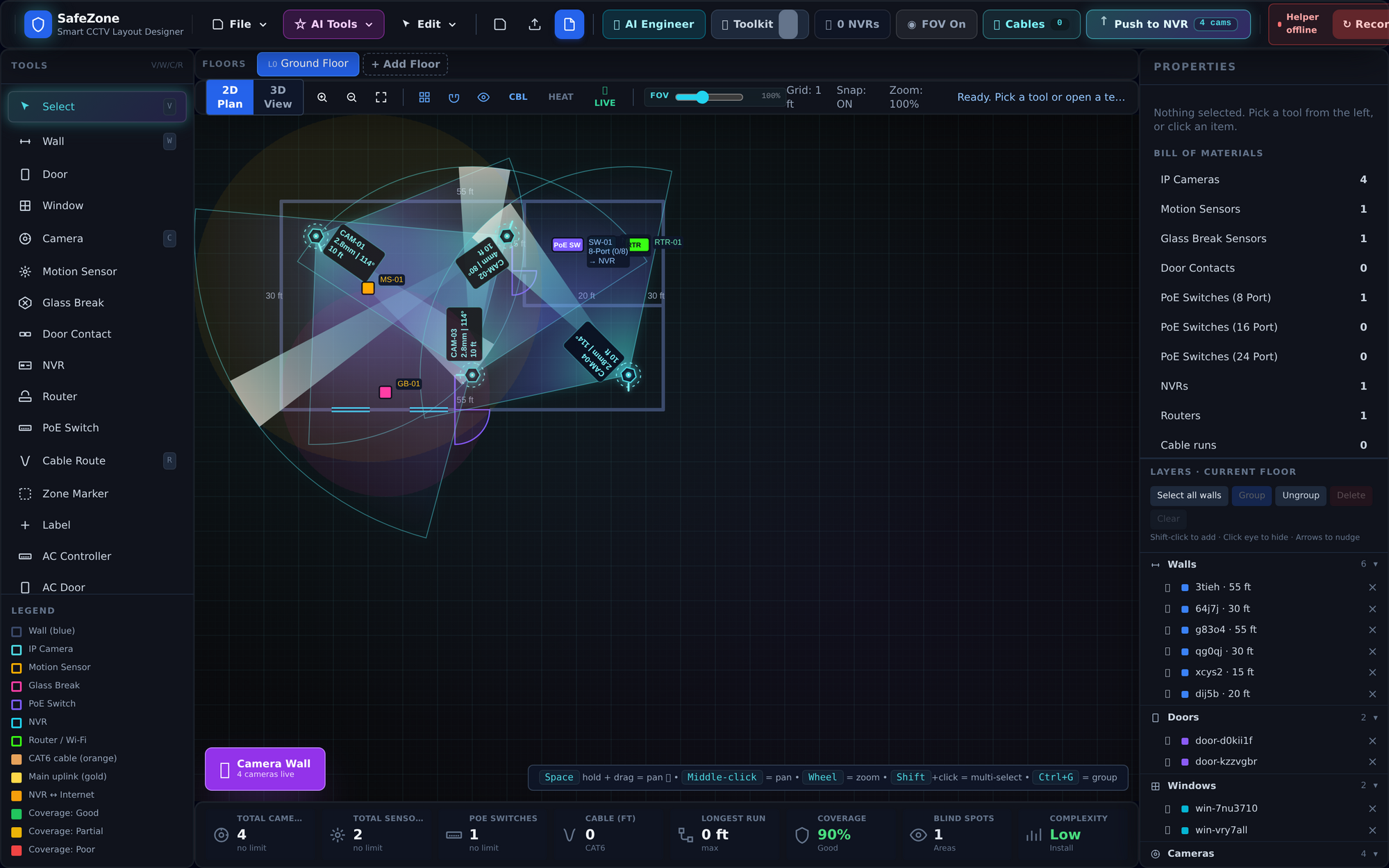
Demonstration floor plan with camera locations and coverage views
Camera-layout design · demo
TECHNICIAN WORKSPACEActive development

SafeZone Master

Place cameras before running cable.

A planning workspace where technicians mark camera positions, review coverage, and prepare the equipment and installation plan.

  • 2D and 3D planning tools
  • Camera positions and coverage views
  • Equipment and commissioning workflow
Who it’s for & how it fits

For technicians planning camera positions and preparing a site for installation.

Master links the site survey to camera planning and commissioning. The layout shown is a demonstration; available tools are confirmed for the project.

Ask about SafeZone Master

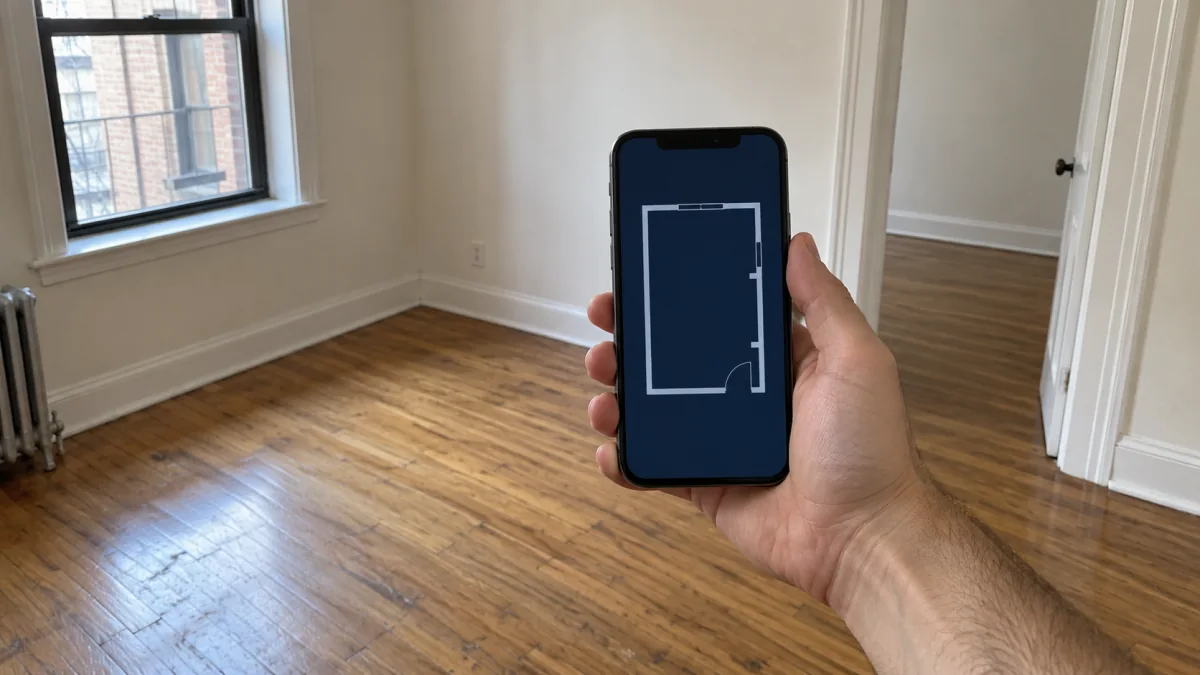
Illustrative site visit with a phone used to survey an interior space
Site-survey setup · illustration
MOBILE SITE SURVEYiOS development

SafeZone Field Scanner

Bring measurements back from a site visit.

An iPhone LiDAR and AR survey tool in development for capturing a space and carrying site information into a camera plan.

  • Room and space capture
  • Survey-to-plan workflow
  • Integration with field planning tools
Who it’s for & how it fits

For technicians surveying a space with a compatible iPhone.

The scanning workflow remains in development. Compatible hardware, scan quality, and transfer into the planning tools are checked for the intended use.

Ask about SafeZone Field Scanner

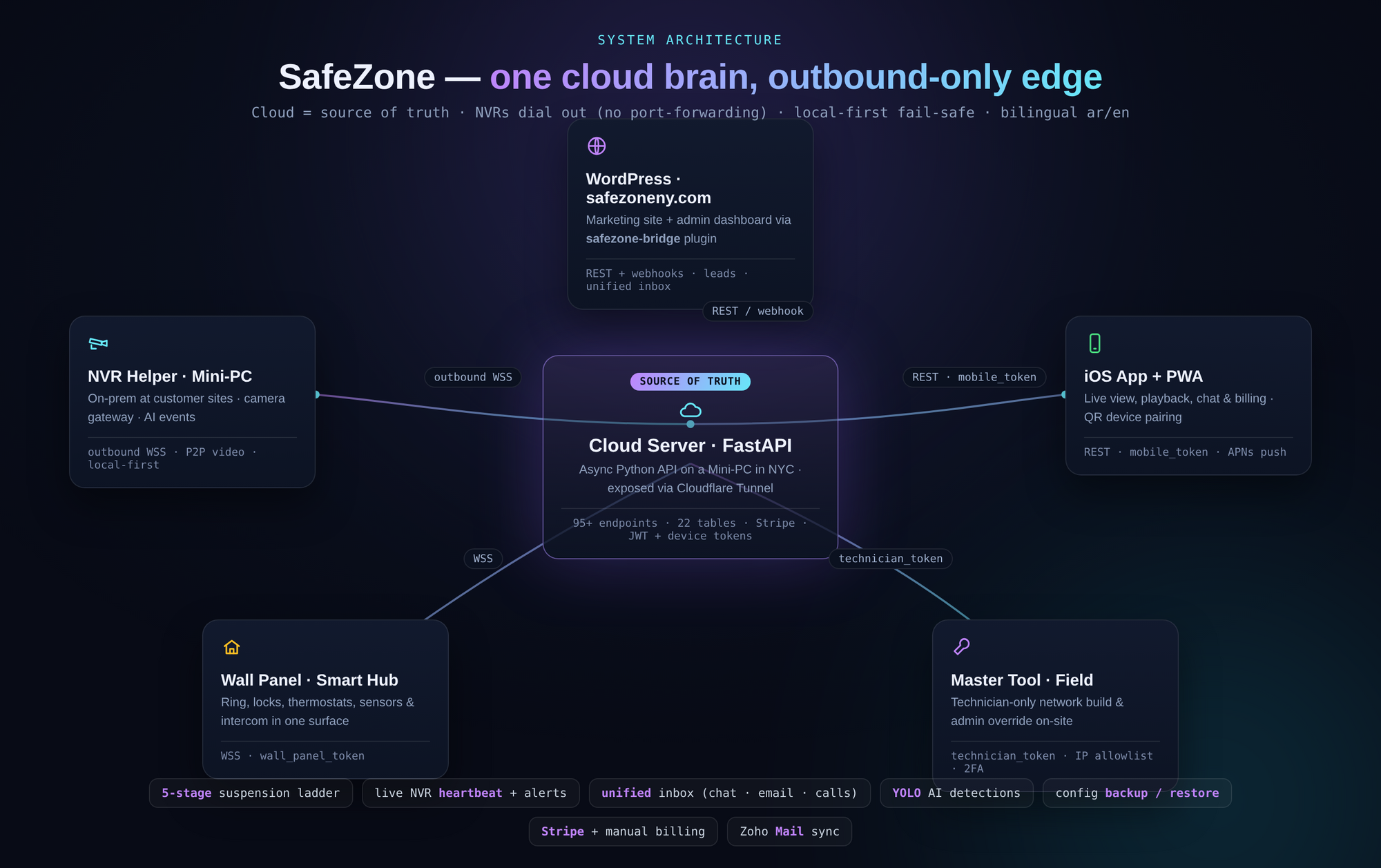
Diagram showing the connections between SafeZone system components
System connections · diagram
DEVICE MANAGEMENTPlatform development

SafeZone Control Platform

See which sites and devices need attention.

A management project for pairing recorders, checking device health, and organizing the work around connected SafeZone equipment.

  • Device pairing and health
  • Connections between field and customer tools
  • Central management workflows
Who it’s for & how it fits

For teams checking connected equipment and handling service operations.

The diagram shows how the components fit together. Available integrations and access permissions are confirmed for each deployment.

Ask about SafeZone Control Platform

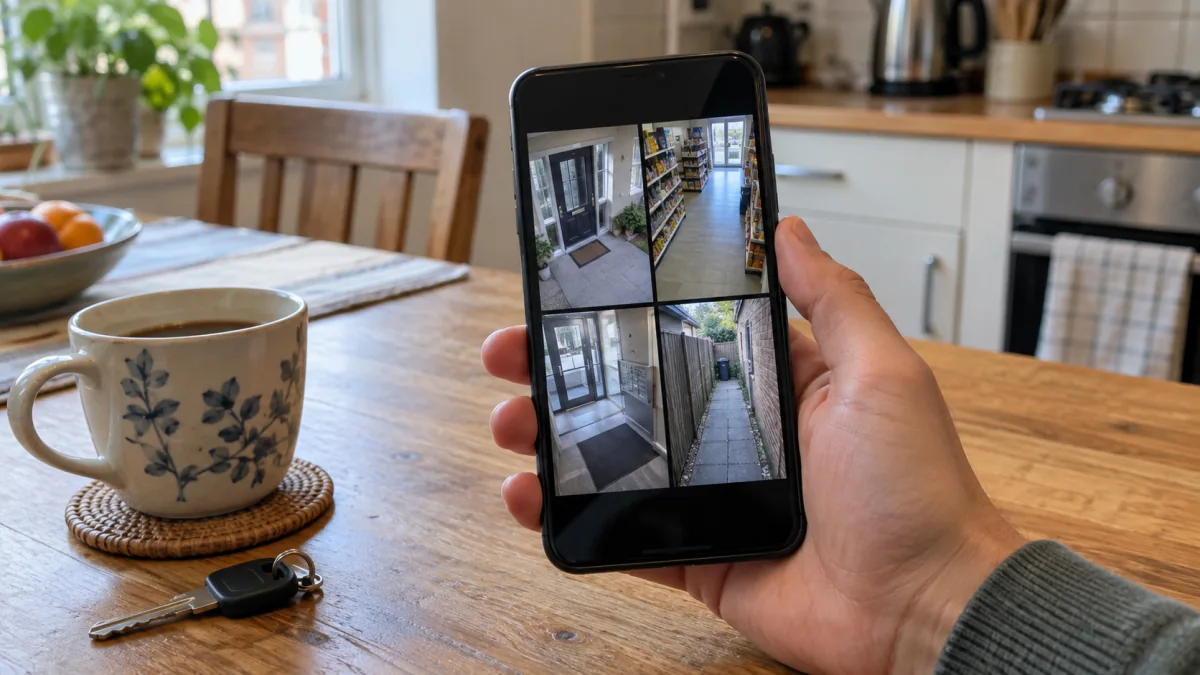
Illustrative everyday setup for checking security cameras from a phone
Phone-viewing setup · illustration
PHONE VIEWINGMobile & PWA development

SafeZone App

Check cameras from your phone.

A mobile and web-app project for opening live camera views, reviewing recordings, receiving event notifications, and accessing support.

  • Live-view and playback workflows
  • Event notifications
  • Customer support and account experience
Who it’s for & how it fits

For customers using an agreed, compatible SafeZone installation.

The app remains in development. Phone support, remote access, notifications, and account features are confirmed for the installed system.

Ask about SafeZone App

HOW THE TOOLS FIT THE JOB

From the site visit
to recorded video.

Each tool is being developed for a specific part of planning, installing, or using a camera system.

01 / SURVEY

Bring back site information

Field Scanner is designed to capture the space during a site visit.

02 / PLAN

Mark the camera positions

Master helps a technician review coverage and prepare the equipment plan.

03 / RECORD

Keep and review the video

NVR and NVR Pro focus on recording and camera viewing at the property.

04 / CHECK

Check devices and camera views

The platform handles equipment management; the app focuses on phone access.

Your project quote defines the equipment, included features, and support for the installed system.

FOR YOUR NEXT PROJECT

Tell us about
the property.

Share the location, the areas you want to cover, and any cameras or cabling already in place. We can discuss the system and installation work you need.