Security camera systems, explained in plain terms.
A full system is four parts working together: the cameras, a recorder (an NVR or a DVR), storage for the footage, and a mobile app so you can watch from your phone. We design all four around your building, install it cleanly, and set up phone viewing before we leave.
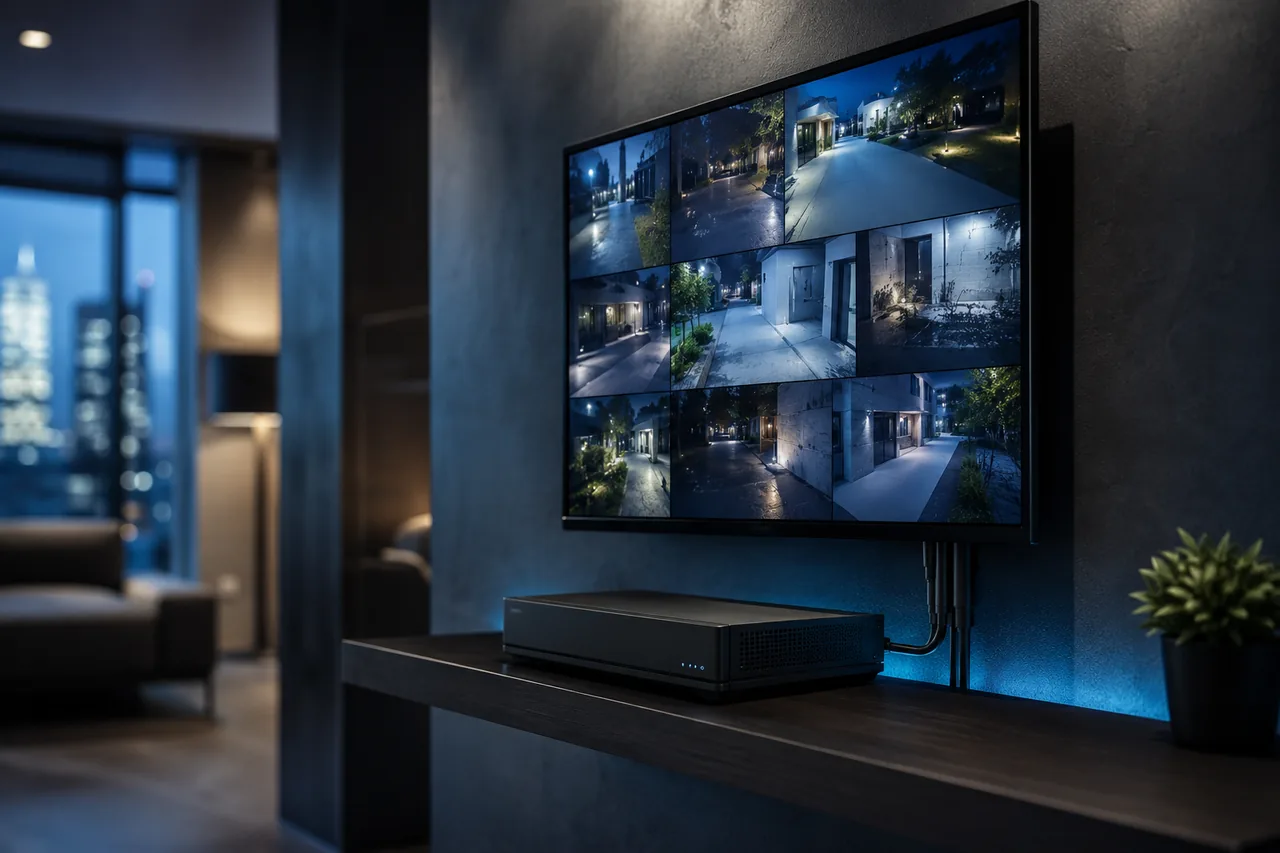
The four parts
What a SafeZone system includes
Buy a camera off a shelf and you have one piece. A system ties everything together so the footage is there when you actually need it. Here is each part and why it matters.
Cameras
The eyes of the system. We pick the right type and lens for each spot — wide views for a yard, tighter views for a register or a doorway — and place them to cover the entrances and blind spots, indoors and out.
Recorder (NVR or DVR)
The box that takes in every camera and writes the video to disk. An NVR runs IP cameras over network cable; a DVR runs analog cameras over coax. We match the recorder to the cameras so it all works as one.
Storage & retention
A hard drive inside the recorder holds the footage. How many days you keep depends on camera count, resolution, and how the cameras record. We size the drive so you have enough history to go back and check.
Mobile viewing
Every install includes the SafeZone app for live view and recorded playback. Watch from your phone, scrub back through the day, and pull a clip when you need one. We set it up and show you how before we go.
The two main types
IP vs analog, NVR vs DVR
Two words get thrown around a lot. Here is the short version, without the jargon, so you can follow the quote we send.
IP cameras + an NVR
IP cameras send digital video over network cable to a Network Video Recorder. One cable carries both power and video, the footage stays sharp end to end, and you get the highest resolutions — up to 4K — plus features like built-in audio and smarter detection. This is what most new systems use.
Analog cameras + a DVR
Analog cameras send video over coax cable to a Digital Video Recorder. Modern analog still looks good at 5MP and often costs less, and it can reuse old coax that is already in the walls. It is a solid choice for a straightforward home or a budget that matters.
Not sure which fits your place? We help you choose at the site visit, and you can read the plain-language breakdown first: NVR vs DVR — which system is right for you →
Watch from anywhere
Remote viewing on your phone — and a screen on the wall
Once the system is online, you can open the SafeZone app from anywhere with a signal and see your cameras live. Scrub back through the day, save a clip, and check in while you are at work or away. For homes and storefronts that want it, we can also set up an indoor screen or monitor so there is always a live view in the room.
- Live view and recorded playback from your phone
- An indoor monitor or wall screen where you want one
- Set up and shown to you before we leave
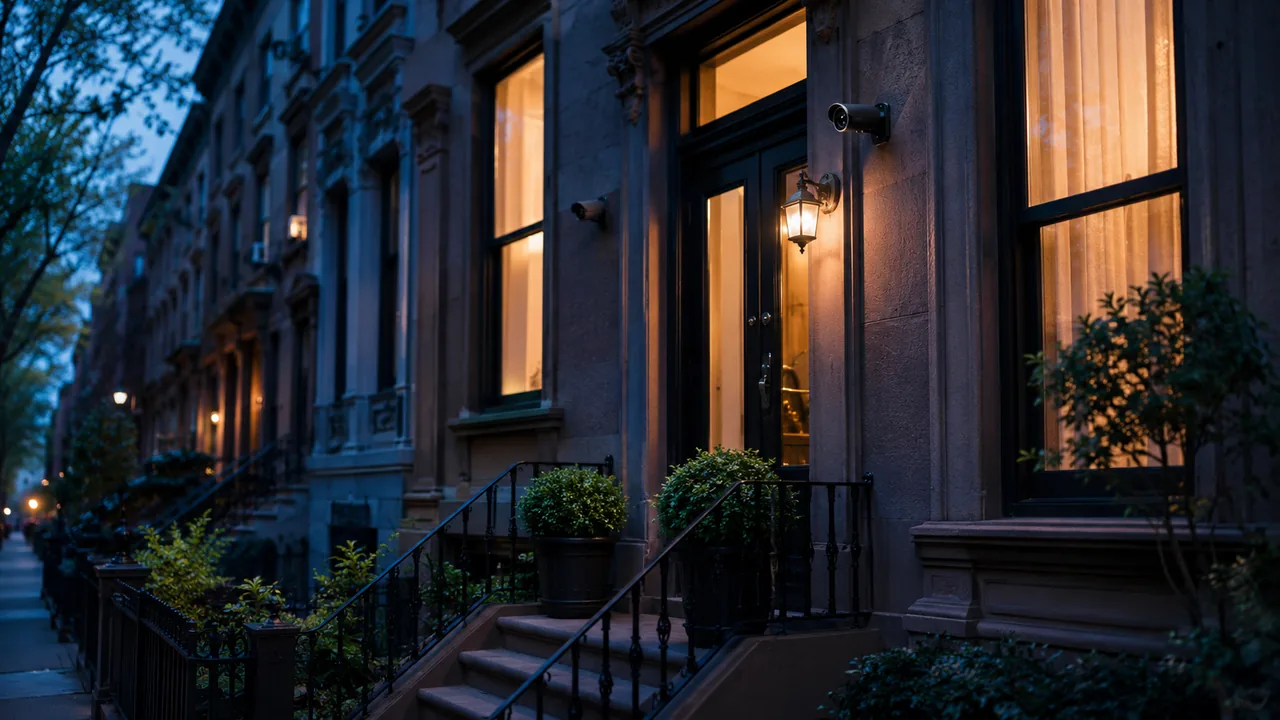
More than cameras
Doorbell cameras and door access
A camera system can do more than record. We can add a doorbell camera at the entrance and tie door access into the same setup, so the front of your home or store works as one.
Doorbell cameras
See and talk to whoever is at the door from your phone, whether you are upstairs or across town. Packages get logged, visitors get a clear face shot, and the footage records alongside the rest of your cameras instead of living in a separate app.
Door access control
Add a keypad, fob, or app-controlled lock to a door so the right people get in without a shared key floating around. It pairs naturally with the cameras at the same entrance — you see who came in and when, in one place.
Door access depends on the door and the building, so we confirm what is possible at the site visit.
Planning the coverage
How coverage is planned
We do not hand you a box of parts and wish you luck. We walk the property, find the blind spots, and design the system around them. New York buildings are not all the same, and the plan should not be either.
Walk the property
We look at every entrance, the yard or sidewalk, the register or back office, and the spots a camera easily misses — then map where coverage has to go.
Match cameras to spots
Each location gets the right camera and lens: wide for open areas, tighter for a doorway or a till, weather-rated outside, with night vision where it counts.
Size the recorder and storage
We pick an NVR or DVR with enough channels and a drive large enough to hold the days of history you want, so nothing important rolls off too soon.
Route the wiring cleanly
Brick, plaster, and concrete block signal between floors, so we plan cable paths that stay tidy and out of the way and hold up over time.
Coverage planning differs for a home versus a business. See the details for your property:
Home cameras Business cameras How installation works See packages & prices
Let’s design the right system for your place
Tell us what you want to see and where, and we will recommend the cameras, recorder, and storage that fit — with a clear price. Free standard installation on qualifying packages right now.